Bulk Publish
DOKKA gives you the option to publish multiple documents to your accounting software in one go.
Instead of publishing invoices one at a time, you can mark several entries in the table view and publish them all together with a single click.
How to publish multiple documents
1. Switch to Grid View
Use the toggle in the top-right corner to move from Gallery View to Grid View.
2. (Optional) Apply filters
Narrow down the table to show only the invoices you want to publish (e.g. by vendor, date, or amount).
You can learn more about working with the Grid View in this article.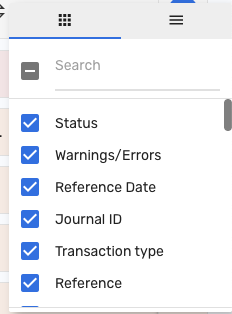
3. Select the invoices
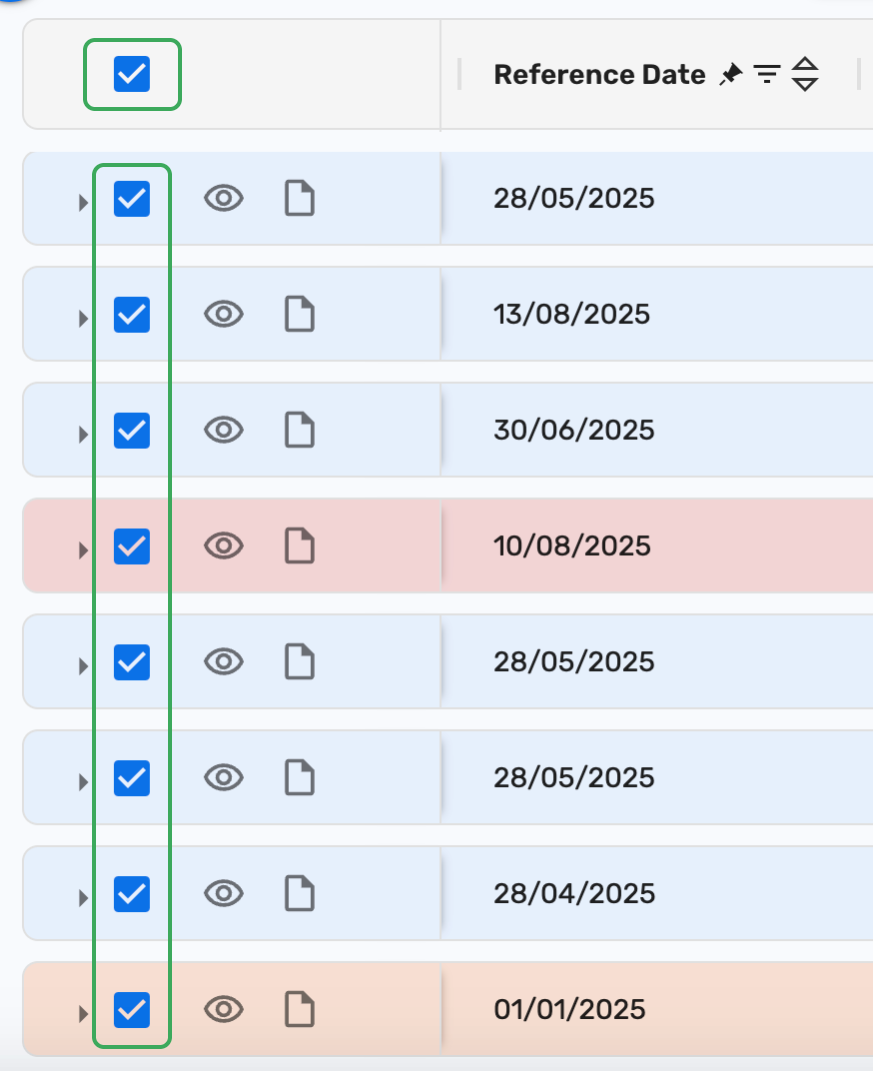
In Table View, each row equals one invoice.
You can either:
Tick the checkbox for individual rows, or
Tick the checkbox at the top-right corner of the table to select all displayed invoices at once.
4. Publish in bulk
Click the Publish button in the toolbar at the bottom of the screen and confirm the action in the pop-up window.
5. Review results
The selected documents will be published to your accounting system.
Inside DOKKA, they will move automatically to the Done folder.
If publishing fails
Any documents that could not be published will appear in a red folder called Failed to Publish.
Open the folder, go through the invoices one by one, review the error messages, and correct the issues before trying again.

Things to keep in mind
In the Grid View, you can’t see invoice line details before publishing.
Accountants are responsible for ensuring the published data is correct.
We recommend using Bulk Publish only after working with DOKKA for a few weeks and confirming that invoices are consistently extracted correctly without manual intervention.
Was this article helpful?
That’s Great!
Thank you for your feedback
Sorry! We couldn't be helpful
Thank you for your feedback
Feedback sent
We appreciate your effort and will try to fix the article